


For machinery manufacturers, quoting can become an engineering bottleneck long before production starts. Sales teams may need senior engineers to validate options, check compatibility, rebuild a bill of materials (BOM), or confirm whether a quoted machine can actually be manufactured. Even when product options multiply, manual quoting potentially creates opportunities for incorrect components, inconsistent pricing, and missed margins.
Configure to Order software addresses this by turning predefined product options and rules into a repeatable configuration process. The blog today will help answer common questions: whether your business is ready, which features matter, how CPQ connects to ERP, and what implementation involves. Right now, keep scrolling to discover more details with our experts!
Configure to Order vs. Engineer to Order vs. Assemble to Order
These three models mainly differ in how much engineering each order needs. Let’s see:

Configure-to-order vs engineer-to-order is rarely a strict choice. Many industrial machinery manufacturers run mixed models. Most orders may follow CTO rules, while unusual projects require engineer-to-order (ETO) engineering review. Therefore, your software needs to handle that handoff effectively. It should flag an out-of-rule request, send the configuration to engineering review, and return the approved result to the quoting stage without retyping.
Signs Your Machinery Business Is Ready for CTO Software
Your sales and production process may be ready for configure-to-order software if:
- Quotes depend on one or two senior people.
- Quoting takes days, not minutes.
- Machines are built with wrong or incompatible components.
- BOMs are recreated manually for each order.
- Pricing and margins vary from rep to rep.
- Product rules live in spreadsheets or in people's heads.
If three or more sound familiar, CTO software is worth evaluating to boost your performance.
Read more: Top 10 Online Sales Tools for Custom Product Brands
Key Features to Look For in Configure-to-Order Software
1. Rules-based product configuration
At the core of CTO is a rules engine that determines which options can be combined. Rather than relying on a simple list of checkboxes, you need to look for configurable dependencies, exclusions, required components, and conditional options. In other words, these built-in rules make it easier and faster to adapt the software to common product configuration logic, helping manufacturers ensure valid, consistent configurations across complex product lines.
2. Dynamic pricing and quoting
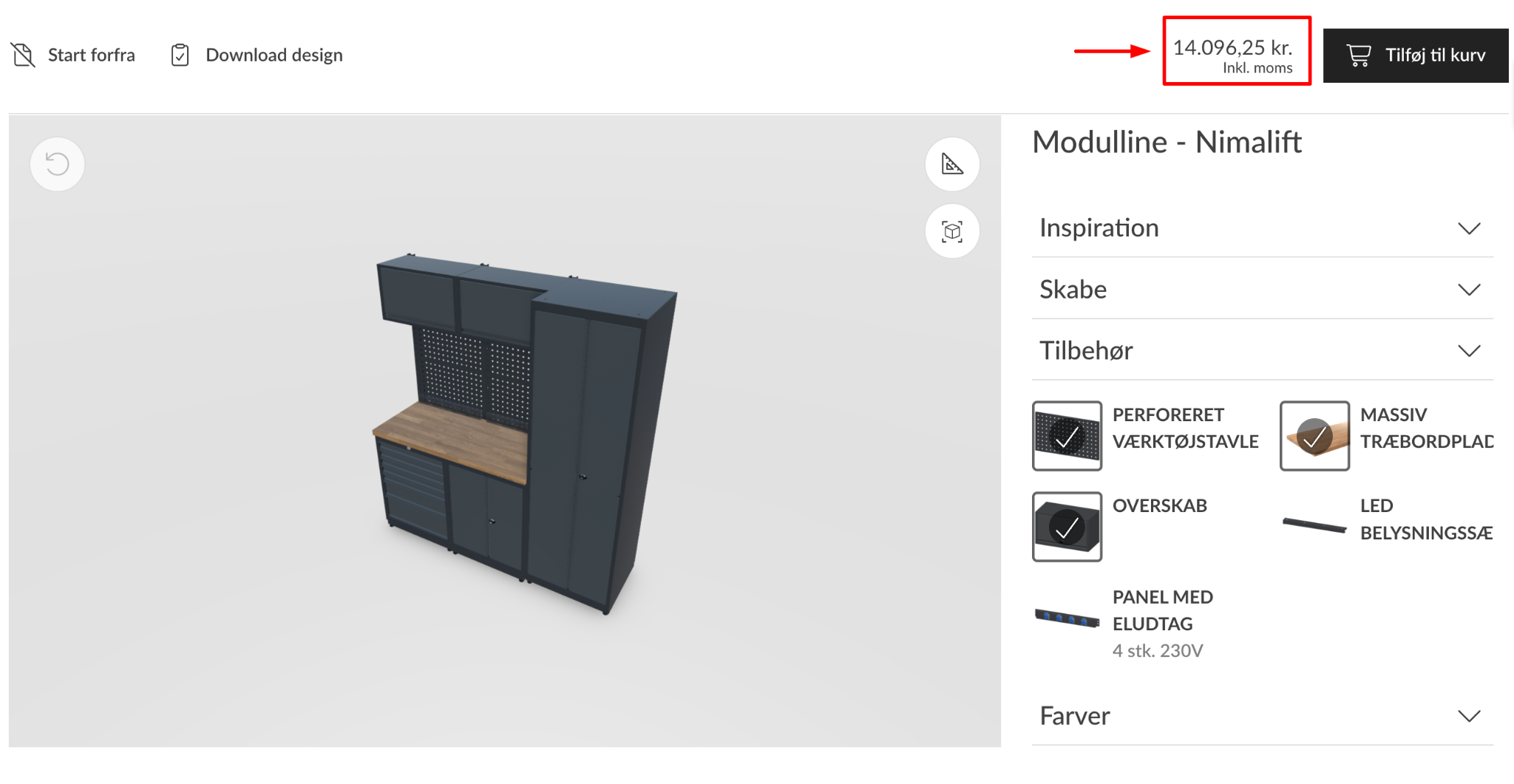
Good CPQ software should connect product rules with pricing rules, discounts, quantities, currencies, and quote generation, so pricing updates automatically as the configuration changes. This helps sales teams maintain accurate quotes without manually recalculating prices every time a buyer changes an option, freeing up resources for higher-value tasks.
Read more: Dynamic pricing in CPQ: What It Is and How It Works
3. CAD and 3D visualization
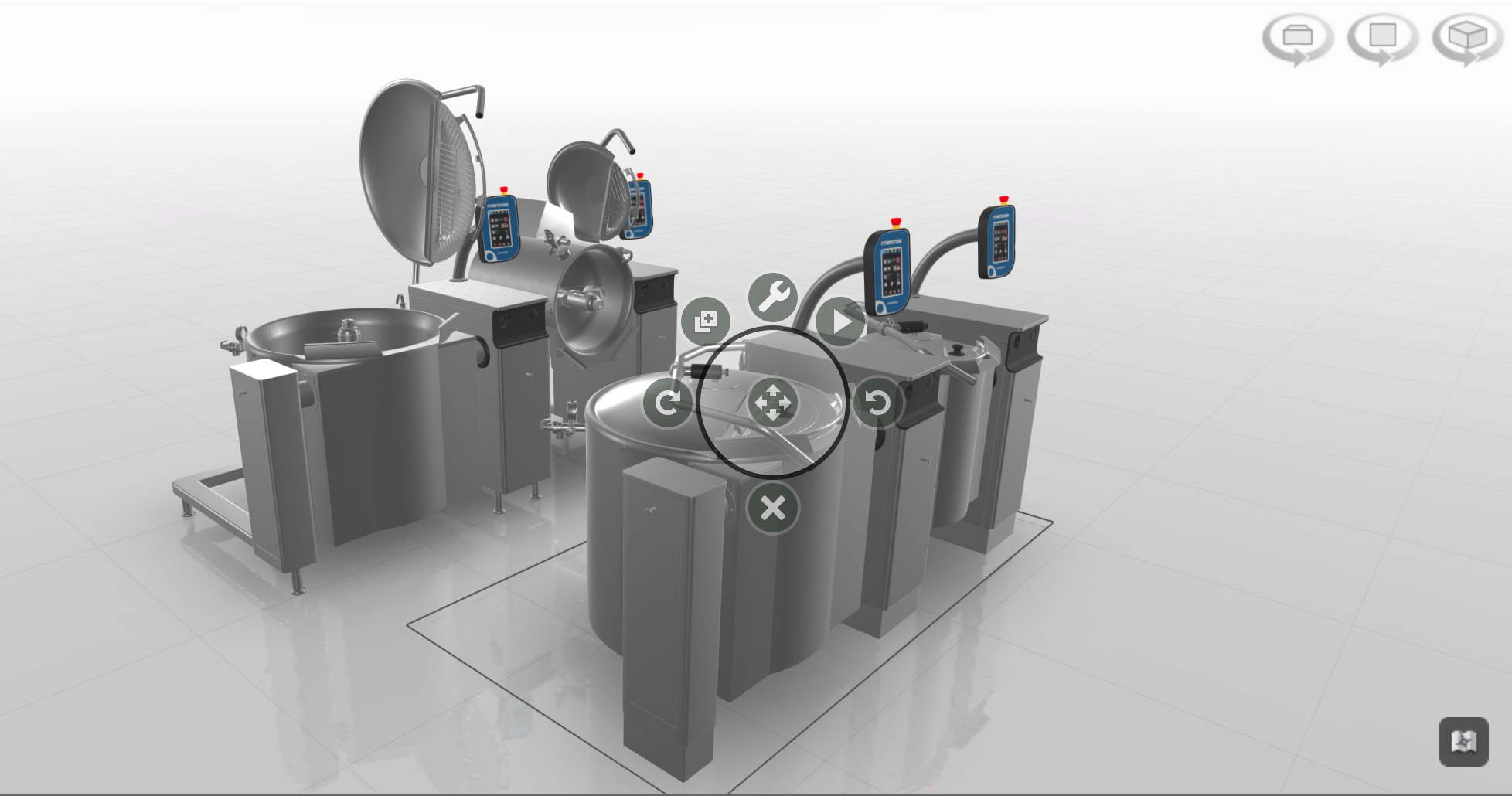
More and more customers want to see their exact machine build before signing a contract. Integrating online 3D visualization allows users to rotate, explode, and inspect customized equipment from every angle, offering a deeper understanding than flat images or 2D visuals.
For businesses with engineering-driven workflows, also investigate CAD integration. This allows the system to pass configured parameters directly to solid modeling software to auto-generate 2D sales drawings and native 3D models. However, if you focus on visual selling, consider combining 3D visual configuration and augmented reality (AR), where customers can place their selections in a real-world environment for a true-to-life discovery.
4. Automatic BOM and routing generation
Upon configuration and real-time pricing, the CPQ for industrial manufacturing should instantly generate multi-level outputs. This includes sub-assemblies, material requirements, part numbers, and work-center routing instructions ready for direct production consumption.
That’s exactly what the VividWorks 3D configurator, one of the best product configurators for complex, modular products, can do. Beyond offering high-level customization, real-time pricing, and Visual CPQ, this platform integrates well with existing ERP and CRM systems, enabling configured product data to flow into downstream workflows. Specifically, its outputs often come with detailed BOMs, SKUs, parts, finishes, and assembly instructions.
5. Easy rule maintenance without developers
Product lines evolve continuously with engineering updates and component replacements. Your team needs an administrative dashboard that allows product managers and engineers to easily add product options, adjust pricing rules, and update configuration logic visually.
CPQ for Industrial Manufacturing: How Configurators Connect to Your ERP
The true strategic value of CPQ for industrial manufacturing is when it acts as an active operational bridge connecting customer-facing interfaces directly to shop-floor execution.
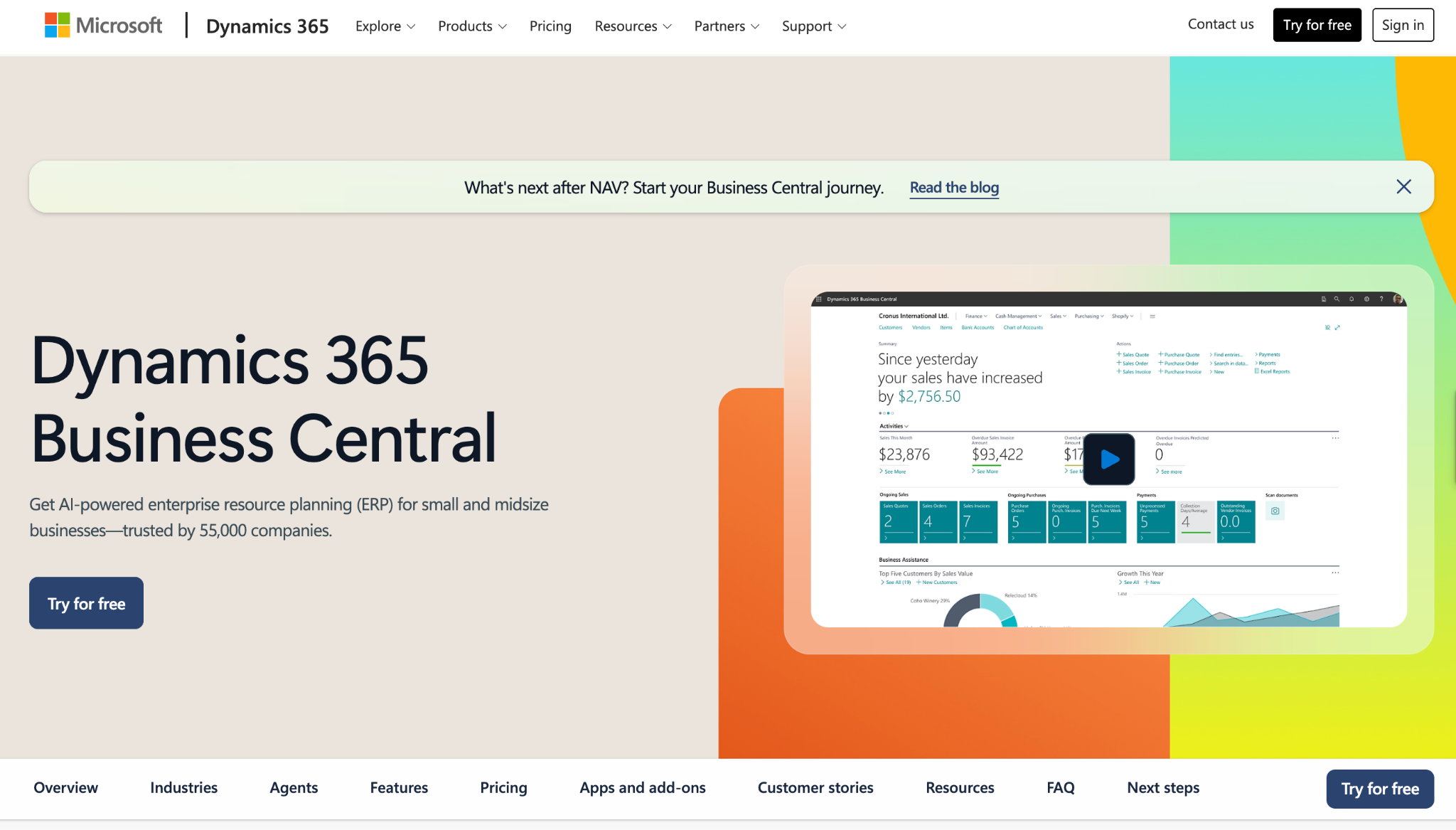
Consider how data flows during a standard equipment sales cycle using Microsoft Dynamics 365 Business Central as the enterprise ERP standard and an industrial 3D sales configurator:
- Front-End Configuration:
A field sales rep opens the interactive configurator on a web browser or tablet. Guided options dictate structural layout, motor ratings, auxiliary attachments, and paint finishes.
- Real-Time Validation & Quoting:
As the configuration changes, the 3D visualization reflects the selected options while the system validates the configuration against pre-built rules. Pricing can also update according to the selections, allowing salespeople to generate a quote or proposal for buyer approval.
- ERP Integration Handoff:
Once the customer accepts the proposal, the validated configuration and relevant order data can be passed to the ERP through the available integration or API in your workflow.
- Automated Order Creation:
In a Business Central workflow, the integration can transfer the appropriate product, order, and configuration information into the ERP. This may support the creation or update of sales orders and the use of relevant BOM and routing information for downstream processes.
This end-to-end data flow eliminates data entry latency, prevents human transcription errors, and further shrinks the end-to-end order processing lifecycle from weeks to hours.
FAQs
- What is configure-to-order software?
It lets sales teams build valid product configurations from predefined options and rules, then automatically generates pricing, quotes, and production data for your manufacturing stage.
- What is the difference between a product configurator and CPQ?
A configurator mainly controls what can be selected and how a product is customized. CPQ adds the commercial layer: pricing, quoting, proposals, and related sales workflows. However, in fact, many modern platforms like VividWorks can combine both capabilities.
- Does configure-to-order software integrate with Business Central?
Yes, many CTO and CPQ tools can connect to Business Central through APIs or connectors, but depth varies. The key questions are which configuration, pricing, BOM, routing, order, and inventory data can move between systems and which system keeps the source of truth.
Conclusion
Choosing configure-to-order software for machinery is ultimately an exercise in matching software to your architecture, product types, operating model, and the level of configuration.
There are essential aspects that you should consider for a more comprehensive evaluation:
- Rule-based configuration and built-in product logic
- Pricing and CPQ capabilities
- BOM and manufacturing outputs
- Connectivity with ERP, CRM, and other systems
- Visualization requirements
- Rule maintenance
- The way CTO exceptions move into engineering
Book a demo to see experts in enabling a smooth configure-to-order with 3D configurators!
Table of Content
-3.avif)
Streamline your process today!


