
Static price lists were good enough. A sales rep pulled a number from a spreadsheet, typed it into a quote, and hoped nothing had changed since the last update. This may fall apart fast once items get configurable, discounts get layered, and buyers expect a quote instantly.
This is where dynamic pricing in CPQ comes in. Rather than relying on one-size-fits-all lists, modern CPQ pricing engines recalculate cost in real time as a user configures a product. More specifically, by connecting product options, pricing rules, and customer conditions, pricing of sales CPQ has become faster, more accurate, and easier to manage at scale.
Right now, keep scrolling to discover more!
What is Dynamic Pricing?
At its core, it's a pricing approach where costs adjust automatically based on defined rules and current conditions, rather than staying fixed on a printed list. Instead of one number for every buyer, dynamic pricing in CPQ factors in variables like configuration choices, order volume, customer tier, region, and active promotions, then recalculates the price instantly.
Within a Configure Price Quote system, this isn't guesswork. It is rule-based logic applied consistently, every time a product design is configured. The result is a price that reflects the actual product being built and the actual customer purchasing it, not a generic average.
How Does Dynamic Pricing Work in CPQ?
A modern CPQ workflow connects product logic, pricing rules, data, and quoting into one process. The exact architecture varies between platforms, but the underlying sequence has:
Step 1: Product Configuration
A salesperson or buyer selects the product and builds the required version from available options. For brands selling custom furniture products online, for example, they tend to include dimensions, frames, finishes, shelves, handles, modules, doors, and accessories.
The CPQ system applies configuration rules such as compatibility checks, mandatory options, and exclusion criteria to ensure that the selected product can actually be produced. This is important because pricing is only reliable as the configuration behind it. If a user selects an option that is incompatible with another component, the resulting quote could be wrong.
Step 2: Pricing Rules
Next, once the configuration changes, the system evaluates the relevant pricing rules.
These rules determine how each selection affects the real price of the product and service. A component may add a fixed amount, a premium material may carry a surcharge, or a particular bundle may trigger a different price. Moreover, quantity-based discounts, customer-specific price lists, and other commercial or business conditions can be included.
Step 3: Customer/business conditions
The next phase of dynamic pricing in CPQ is layering in specific requirements, such as:
- Negotiated contract terms
- Order volume
- Customer segments
- Loyalty status
- Regional pricing
This is particularly useful in B2B sales, where pricing often varies between customers and agreements to achieve long-term deals. Instead of manually applying adjustments, the CPQ system evaluates these conditions automatically and applies the appropriate pricing logic.
Step 4: Automated Price Calculation
It’s time to see an example to make it clearer how the system performs the price calculation.
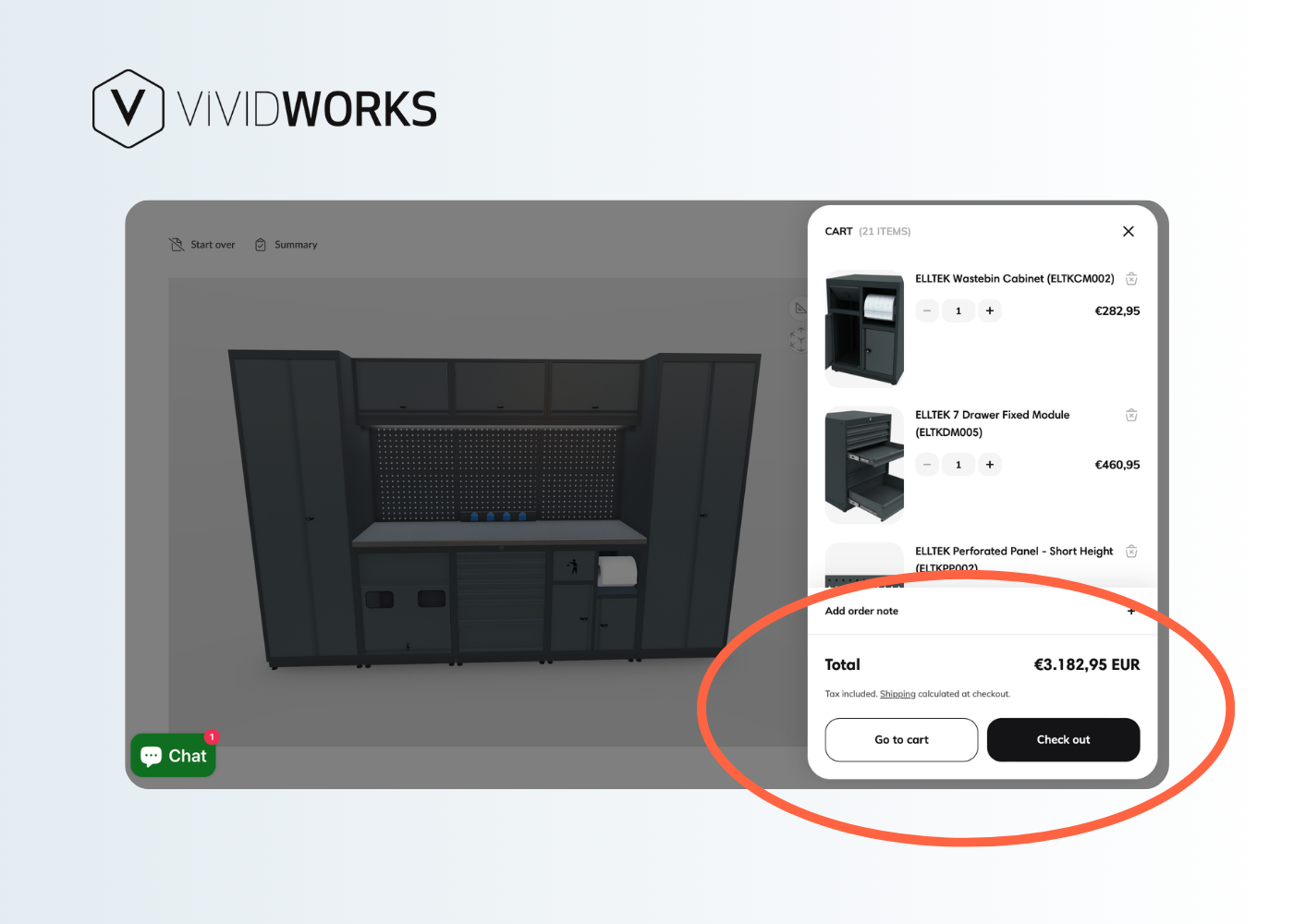
When a customer customizes a high-modular cabinet design with a base unit, three shelves, premium doors, and two accessories. Each selected component can contribute to the final price. The CPQ system can calculate the subtotal, apply applicable discounts or surcharges for additional components, and return the updated total whenever the configuration changes.
This automated pricing process reduces repetitive data entry and helps minimize calculation mistakes. More importantly, customers can immediately see how each change affects the total, giving them greater clarity and confidence before proceeding with the purchase.
Step 5: Quote Generation
The calculated price flows straight into a finished quote. The doc can include selected items and components, quantities, pricing, discounts, totals, and relevant terms. Depending on the implementation, the quote can then move through approval workflows and into downstream processes, which can be achieved within minutes of the design configuration being finalized.
Benefits of Dynamic Pricing in CPQ
Faster and More Accurate Quote Generation
Apparently, when price calculation happens automatically, reps aren't cross-referencing spreadsheets or waiting on approvals for routine quotes. Quotes go out faster, and pricing accuracy improves because the system, not a person's memory, is applying every rule.
Greater Pricing Consistency and Control
The best CPQ software solutions are designed to enforce the same pricing logic across every deal, every channel, and every rep. That consistency matters most when you are in complex selling environments, where bundles, subscription terms, service levels, usage bands, and rebates all interact—manually keeping that straight is nearly impossible at scale.
Better Pricing for Custom and Configurable Products
For complex products with dozens of configurations, static price lists simply can't keep up. Real-time pricing scales naturally with product complexity, recalculating instantly as options change. This not only saves your effort but also minimizes mistakes from manual entry.
Improved Customer and Sales Experience
Customers increasingly expect immediate answers. They want to understand how changing a specification affects what they will pay. With CPQ, the price can update alongside the configuration, allowing customers to get an accurate number fast, without back-and-forth. On the other hand, sales teams spend less time on manual math and more time on the parts of B2B sales that actually require a human, further building relationships and closing deals.
How To Implement Dynamic Pricing in CPQ
Using dynamic pricing in CPQ successfully requires more than switching on a feature. Your sales pricing model, business data, pricing rules, and the people using the system all need to work together. A well-planned adoption ensures the CPQ platform reflects how your business prices products while giving sales teams the flexibility to create accurate quotes.
1. Define Your Dynamic Pricing Strategy
Before configuring anything, always identify what you want your pricing strategy to achieve.
Are you looking to improve pricing consistency, accelerate quote-to-cash, protect margins, or make online sales quotes more responsive to complex, modular product configurations?
Specifically, you need to identify the factors that should influence price, like components, quantities, materials, customer segments, discounts, or regional conditions. These decisions provide the foundation for the dynamic pricing rules you will build later for CPQ solutions.
2. Integrate CPQ With Relevant Business Data
The second step here is to connect your CPQ software with the systems that contain essential product, customer, cost, and pricing information, such as ERP and CRM platforms.
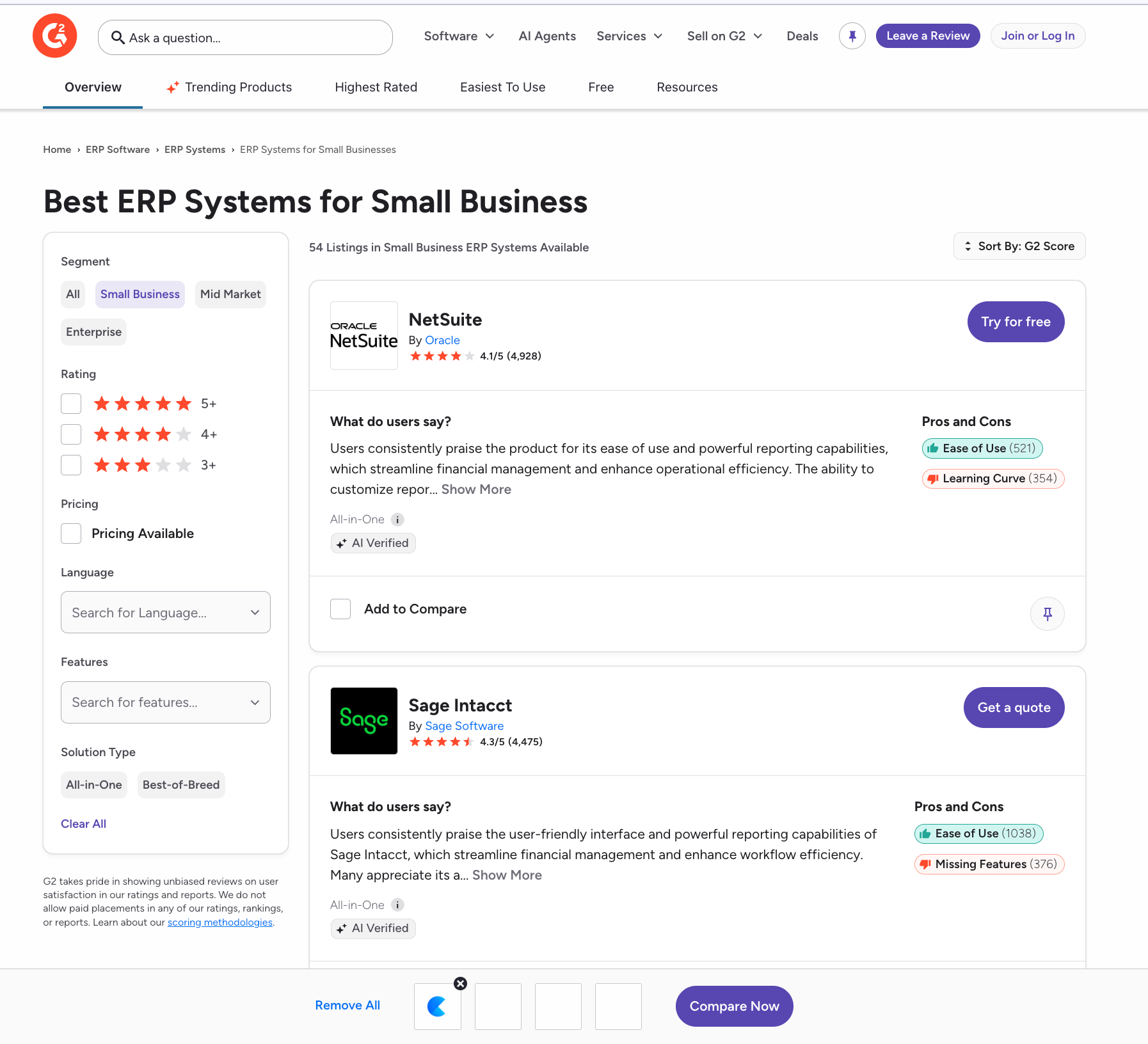
In fact, these are must-have online sales tools to transform your sales pipeline management. In this way, the CPQ system can access current data when performing price calculation, helping ensure that quotes reflect accurate information rather than outdated spreadsheets.
3. Configure and Test Pricing Rules
It’s time to translate your pricing strategy into clear rules. You need to define base prices, component-level pricing, discount logic, approval thresholds, and configuration-dependent adjustments. After that, you will test the rules against realistic scenarios, including complex configurations and combinations of discounts. Thorough testing helps prevent unexpected results and ensures pricing works consistently before the system reaches your sales teams.
4. Train Sales Teams to Use Dynamic Pricing
Even the most capable pricing engine will have limited value if sales representatives do not understand or trust it. Therefore, you need to train teams on how CPQ pricing is calculated, which conditions can change a price, and when an approval is required for timely processes.
Another striking note is that sales representatives should know how to explain real-time pricing to customers. When they can confidently show why a configuration or component changes the price, they can create a more transparent and trustworthy buying experience.
5. Monitor Performance and Refine Pricing Strategies
Implementation is an ongoing process rather than a one-time project. So, let’s monitor quote turnaround times, discount levels, accuracy, and how often teams need manual intervention.
Importantly, you need to use these insights to refine your pricing strategy as products, costs, customer expectations, and market conditions change. It is apparent that reviewing pricing rules helps keep dynamic pricing in CPQ accurate, competitive, and aligned with your goals.
Why Choose VividWorks for CPQ Solutions?
For businesses selling highly configurable product designs such as modular furniture or building supplies, VividWorks takes a visual approach to CPQ. Its Visual CPQ or 3D CPQ combines 3D product configuration and visualization with real-time pricing and quote generation, letting shoppers and sales teams understand a product change visually while its price updates immediately.
The key advantage is rule-based configuration: users can customize products based on predefined rules and constraints, helping remove mistakes and boost customer satisfaction. Discounts can then be applied where appropriate, saving effort from manual calculations.
VividWorks also integrates with eCommerce platforms (e.g., Shopify), CRM, ERP, and other production systems, helping connect configuration and pricing with the wider design-to-order process. This combination of visualization, pricing, and sales automation can help move from online product configuration to an accurate, customer-ready quote with less friction.
Conclusion
Applying dynamic pricing in CPQ offers a more reliable way to manage pricing as products, configurations, and requirements become more complex. By automating calculations and applying consistent rules, CPQ makes pricing faster, more accurate, and easier to scale. From that, you can have a more responsive pricing strategy, where sales teams can create quotes with less manual work while customers get greater clarity into how they configure.
Book a demo to see how VividWorks Visual CPQ supports your sales for complex products!
Table of Content
-3.avif)
Streamline your process today!