.png)

Planning a kitchen often requires multiple visits to a showroom, sketching ideas on graph paper, and hoping everything will look right once installed. That’s when the best online kitchen design tools come into play, allowing you to visualize your kitchen design more accurately and even share it with others for deeper evaluation.
But with so many options, choosing the right tool feels overwhelming. The blog today lists the must-have features of design apps, breaks down the top 5 picks from experts, explains what makes each one worth your time, and shows how to decide which one fits your needs.
Key Features To Look For In Design Apps for the Kitchen
Before diving into the tools, it is crucial to understand what separates a beginner app from a professional-grade solution. While ease of use is a baseline, flexibility and personalization are the differentiators that make the best online kitchen design tools worth experiencing.
Basic
- Ease of use
An intuitive interface, guided setup flows, clear navigation, and mobile-friendly layouts are critical for transforming user experiences in the early stages. Otherwise, if an app takes hours to learn, most users, especially beginners, tend to abandon it in favor of a simpler one.
- 2D and 3D visualization
An ideal kitchen design tool should deliver high-quality 2D layouts or 3D visualizations, and even seamless switching between the two. This dual-view capability allows users to understand spatial planning in 2D while experiencing depth, materials, and lighting in 3D.
The best 3D kitchen design tools go further by offering real-time 3D rendering, shadow and texture adjustment, and interactive walkthroughs. These features help evaluate proportions, detect design flaws early, and make confident decisions before moving into purchasing.
- Product Library
A rich catalog of realistic wall and floor materials, windows, and doors can help create a true-to-life representation of a space. This continues strengthening the visualization stages, where users need to see how different elements come together in a realistic context.
- Design capabilities
Not to mention the best online kitchen design tools, design capabilities are where true value emerges for every design app. In this niche, there are standout points to deeply consider:
Precision is fundamental. With the 3D planning feature, users can define exact floor plans, wall constraints, and appliance spacing. This ensures that every cabinet and fixture fits perfectly, reducing costly errors during installation and making designs fully actionable.
- 3D configuration
Each kitchen often reflects the owners' preferences. That’s why implementing platforms that can elevate interactive 3D configuration is effective. Both manufacturers and customers can adjust layouts, materials, colors, and dimensions, and preview their selections in real time. As a result, they gain greater clarity about how the final kitchen pieces will look and function.
If you want to explore how to implement this, the guide to build 3D configurator for kitchen design offers essential insights to transform your workflow into a more accurate experience.
- Pre-built designs
Pre-configured layouts can significantly speed up the design process. They are substantial for users who may not know where to start or want to draw inspiration from expert designs. Ensure that these designs are easy to modify, balancing convenience with creative freedom.
- Integration with existing systems
As design is part of your business's operational workflow, integration is non-negotiable. That’s why the best online kitchen design tools are also required for their ability to integrate with eCommerce platforms, CRM systems, and backend tools rather than for their performance alone. Currently, providers support the integration with apps, plugins, or APIs.
Advanced
- Modular product support
Advanced tools enable accurate modular product configuration with strong rule-based logic and pre-built product configurations. This lets users freely combine different selections while ensuring compatibility and structural accuracy. As a result, designers and clients can create personalized kitchens without breaking design constraints or manufacturing rules.
- Augmented Reality (AR)/ Virtual Reality (VR)
With AR and VR solutions, users can visualize how a kitchen will look in their actual space or walk through it virtually. This not only improves design confidence but also enhances engagement and reduces uncertainty before committing to a high-value investment.
- Dynamic pricing and quoting
Real-time pricing is a game-changer that enhances transparency in online sales. Visual Configure, Price, Quote (Visual CPQ) is one of the most powerful technologies behind this capability, enabling systems to automatically calculate prices based on user selections.
What Are The Best Online Kitchen Design Tools?
1. VividWorks 3D Kitchen Configurator and Room Planner: All-In-One
- Pricing: Starts from €447
If you’re a kitchen brand, retailer, or manufacturer looking to help customers customize and make a big deal online, VividWorks is one of the most impressive solutions on this list.
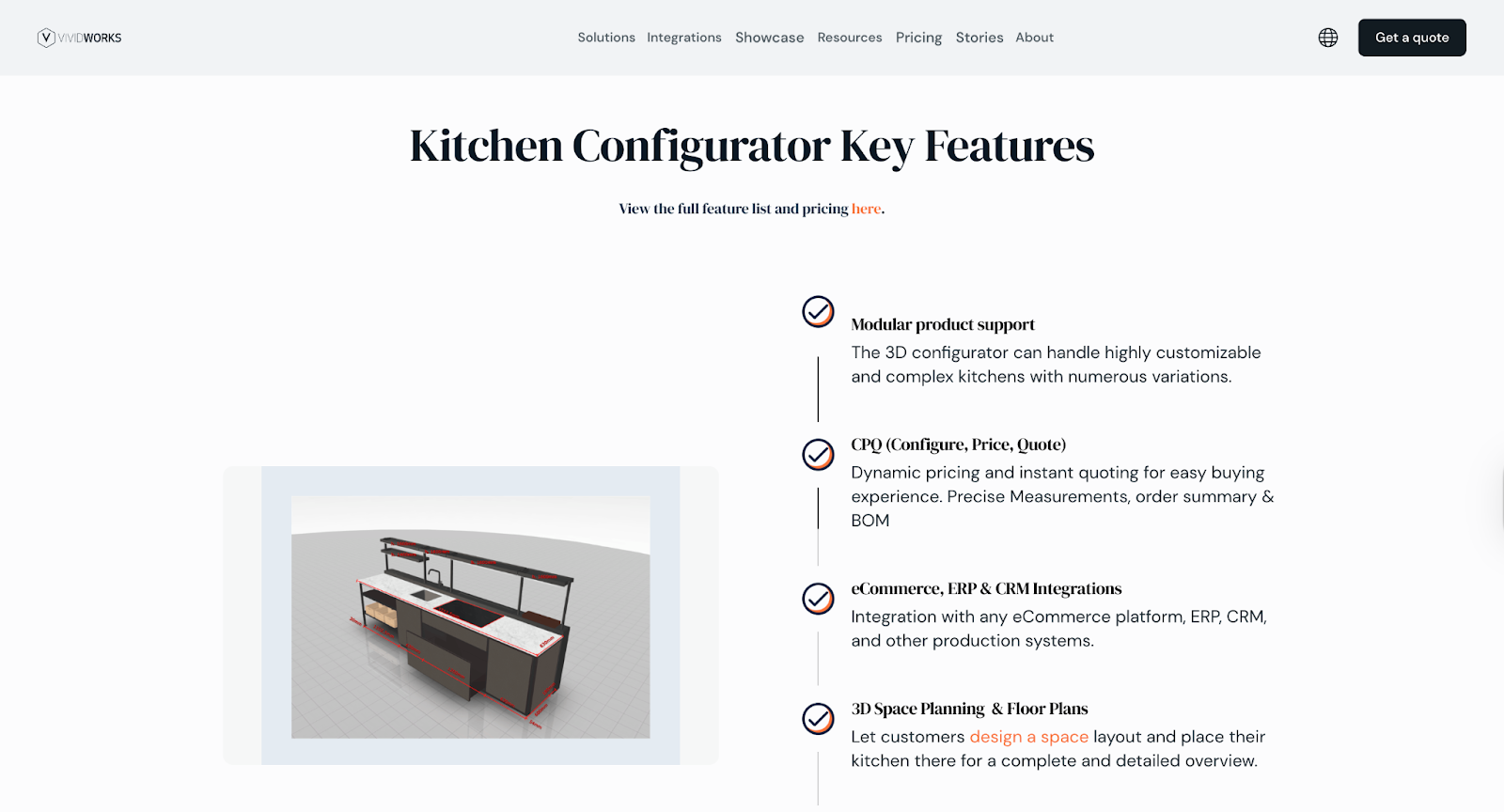
It is an embeddable 3D kitchen configurator that lives on your website, where customers can freely configure their kitchen scratch or start from pre-built designs. Every change they make is reflected instantly in 3D previews. From that, both clients and sales teams gain a shared, real-time view of the design, making collaboration smoother and more efficient.
Another striking 3D kitchen design tool powered by VividWorks is the 3D room planner. Users can create detailed floor plans and kitchen interior designs with accurate dimensions on their own, and quickly import blueprints to simplify the transition to digital planning. Additionally, smart built-in product rules ensure a smooth, error-free configuration process.
Outstanding features:
- Rule-based configuration to prevent users from building impossible layouts
- Visual CPQ to configure the kitchen designs and see prices at the same time
- Integrations with Shopify, Magento, WooCommerce, and enterprise ERPs/CRMs automatically generate Bills of Materials, SKU lists, and assembly instructions
- 3D room planning to build and visualize your own kitchen design
- AR for transition from a web browse to a true-to-life experience with mobile devices.
2. Figma: Best for Sharing Design Visuals or Collecting Customer Feedback
- Pricing: $0 - $90/month
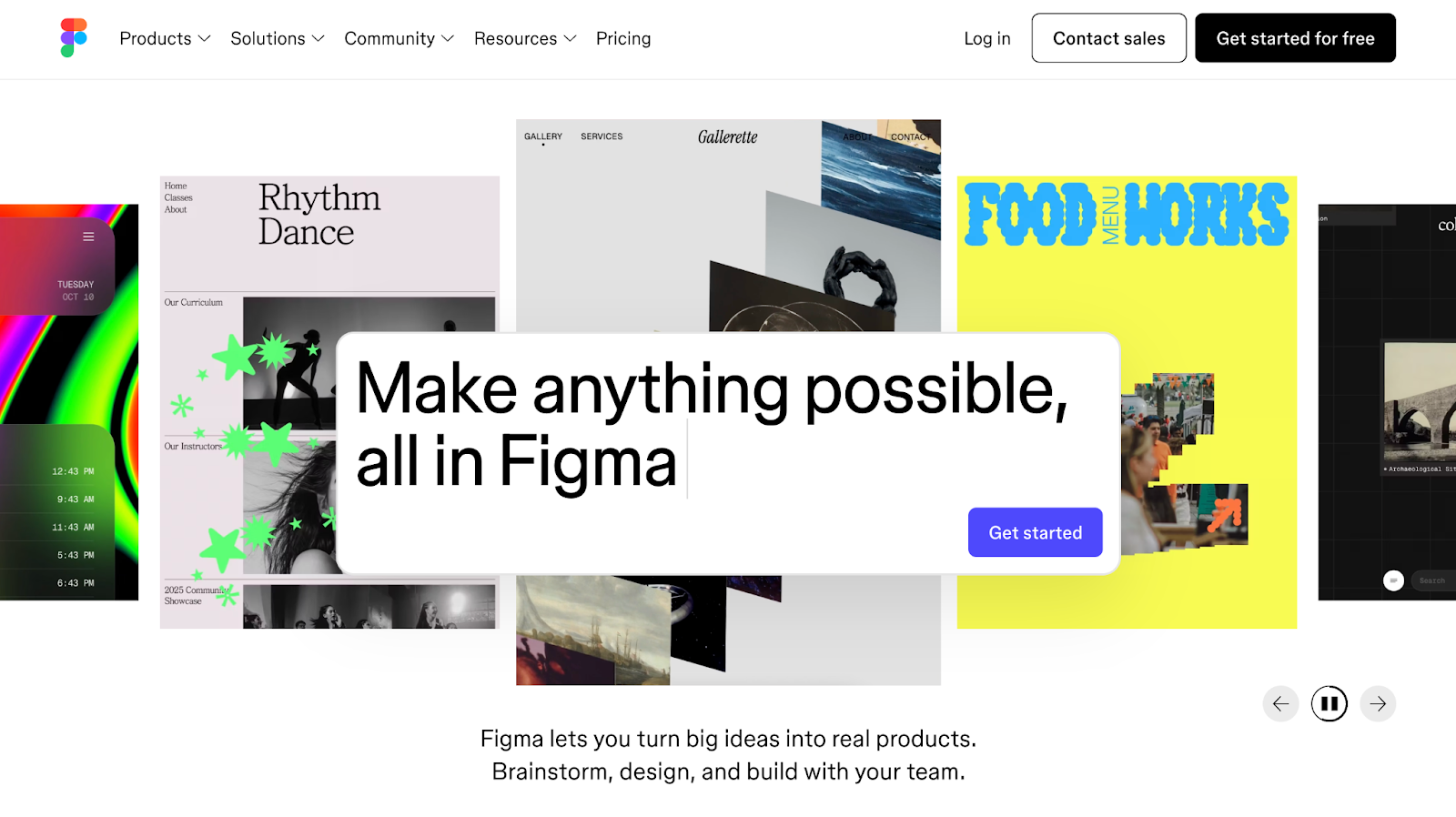
The second one in our list of the best online kitchen design tools is Figma. It is exceptionally powerful for designers and consultants who need to build mood boards, annotated layouts, or concepts to share with clients. Its real-time collaboration features let stakeholders view, comment on, and iterate on a design simultaneously—all in a browser without installation.
Outstanding features:
- Real-time multiplayer collaboration without email chains or PDF markups needed
- The ability to build reusable kitchen elements across multiple projects consistently
- Chain together screens to show a client a step-by-step walkthrough of a proposal
- Dev handoff tools to export dimensions, assets, and specs directly to developers.
3. MagicPlan: Best for Scanning Rooms with a Smartphone and Getting Floor Measurements
- Pricing: Starting with $250/month, based on the number of projects per month
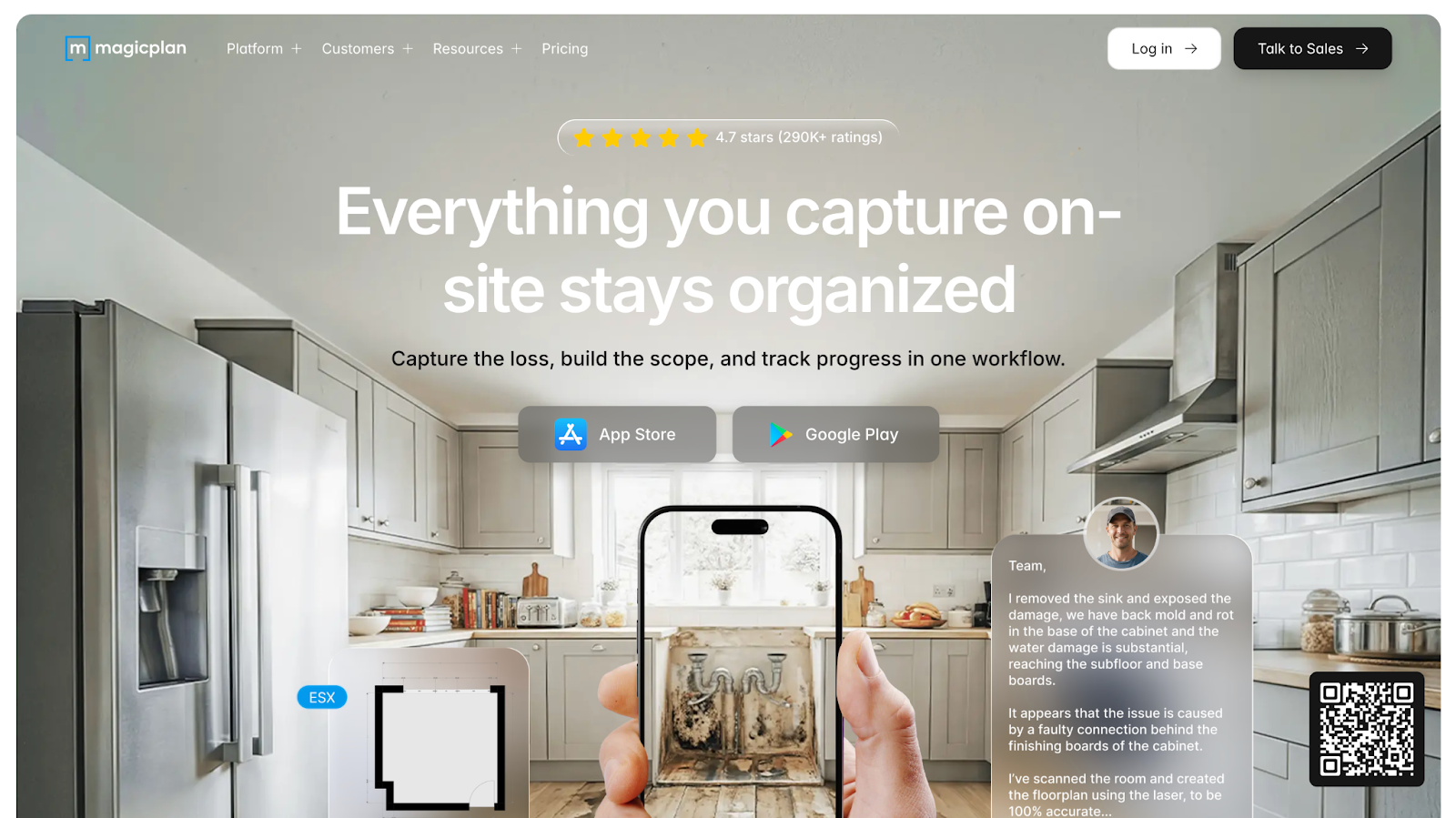
MagicPlan's standout trick is turning your smartphone into a laser-precise measuring device. Using LiDAR technology (on compatible iPhone Pro or iPad Pro models) or the standard camera with AR assistance, MagicPlan scans a room and generates an accurate floor plan in minutes. With over 20 million downloads, it's a favorite among contractors, insurance adjusters, and renovation professionals who need to capture real-world dimensions fast.
Outstanding features:
- LiAR scanning to effortlessly detect walls, doors, and windows on mobile devices
- Seamless transition between a top-down floor plan view and a 3D walkthrough
- Integrated estimating to generate material quantity and cost reports directly
- Strong team collaboration so multiple users can work on the same project.
4. SketchUp: Best for Custom 3D Objects & Advanced Modeling
- Pricing: $19.99/month & Custom
SketchUp is listed as one of the best online kitchen design tools thanks to its ability to turn diverse ideas into accurate 3D models and its strong integration with advanced modeling. Its enormous 3D warehouse community library contains millions of free models, including appliances, fixtures, and furniture, that can be imported directly into your project.
Outstanding features:
- Precise push-pull modeling to build diversified shapes with surgical accuracy
- The ability to access free, community-created models for instant inspirations
- Transferring layout into dimensioned, annotated drawings for presentations
- Integration with extensions like V-Ray or Enscape for photorealistic kitchen renders
5. 2020 Design Live: Best for Real-Time Rendering & Catalogs
- Pricing: $995 - $2495/year/user
2020 Design Live is built for the trade, with deep integrations into manufacturer product catalogs and a real-time rendering engine that produces immersive kitchen images as you design, not after you've finished. For professionals who need to build complete proposals quickly from accurate product data, it has been one of the most dedicated tools to invest.
Outstanding features:
- Real-time rendering to see results as you place and modify cabinets
- Manufacturer catalog integration to ensure designs match what buyers actually buy
- Strong collaboration to share designs digitally with clients for review and approval
- Detailed floor plans and elevations to offer dimensioned drawings and 3D models
A Checklist To Choose The Right Kitchen Design Software
With so many options available, selecting the right tool depends on your specific goals. Below is our checklist to narrow down your choice and guide a more informed decision:
- Budget & scale: Free or low-cost for DIY? Enterprise SaaS for high-volume sales?
- 3D configuration & visualization needs: Require AR/VR or modular rules?
- Workflow integration: Need direct eCommerce, ERP sync, or quoting?
- Target users: Internal teams, retailers, or manufacturers?
- Collaboration: Real-time team/client feedback required?
- Mobile-first: On-site scanning or tablet use essential?
- Future-proofing: Look for regular updates and expanding AR capabilities?
Book a demo with VividWorks to see how our 3D configurator transforms kitchen designs.
Table of Content
-3.avif)
Streamline your process today!