


In the competitive market, simply driving traffic to your WooCommerce store is no longer enough. The real challenge lies in turning visitors into paying customers, and that’s when you need WooCommerce store optimization. This guide explores practical, high-impact tips and must-have plugins to help you achieve the best results for conversions and revenues.
Why You Need WooCommerce Store Optimization?
According to Kenneth Kowal, an expert in scaling logistics businesses to $13M+ revenue, improving your conversion rate by just 1% can double your sales. This highlights a fact: growth doesn’t always come from more traffic; it often comes from converting existing traffic.
You may be investing heavily in ads, SEO, and digital marketing campaigns to drive traffic to your site. But if your store isn’t optimized to convert, that traffic becomes wasted spend. Even a small lift, from 1% to 2% conversion rate, brands can generate a large revenue impact.
Besides the fact that WooCommerce itself has made significant technical improvements, reducing page-load times by up to 95%. According to Nielsen Norman Group, visitors expect websites to load in under 1 second and tend to maintain their attention for 10 seconds. That’s why the 1-10 first seconds are an ideal time to achieve the best WooCommerce store optimization. On the other hand, with mobile devices like smartphones, “53% of visits are likely to be abandoned if pages take longer than three seconds to load,” — Google Supports.
In fact, real performance depends on how you optimize your stores across speed, usability, and overall UX/UI. This requires more effort from sellers, not just system-based upgrades.
How To Optimize WooCommerce Stores To Increase Conversion Rate
1. Add advanced caching
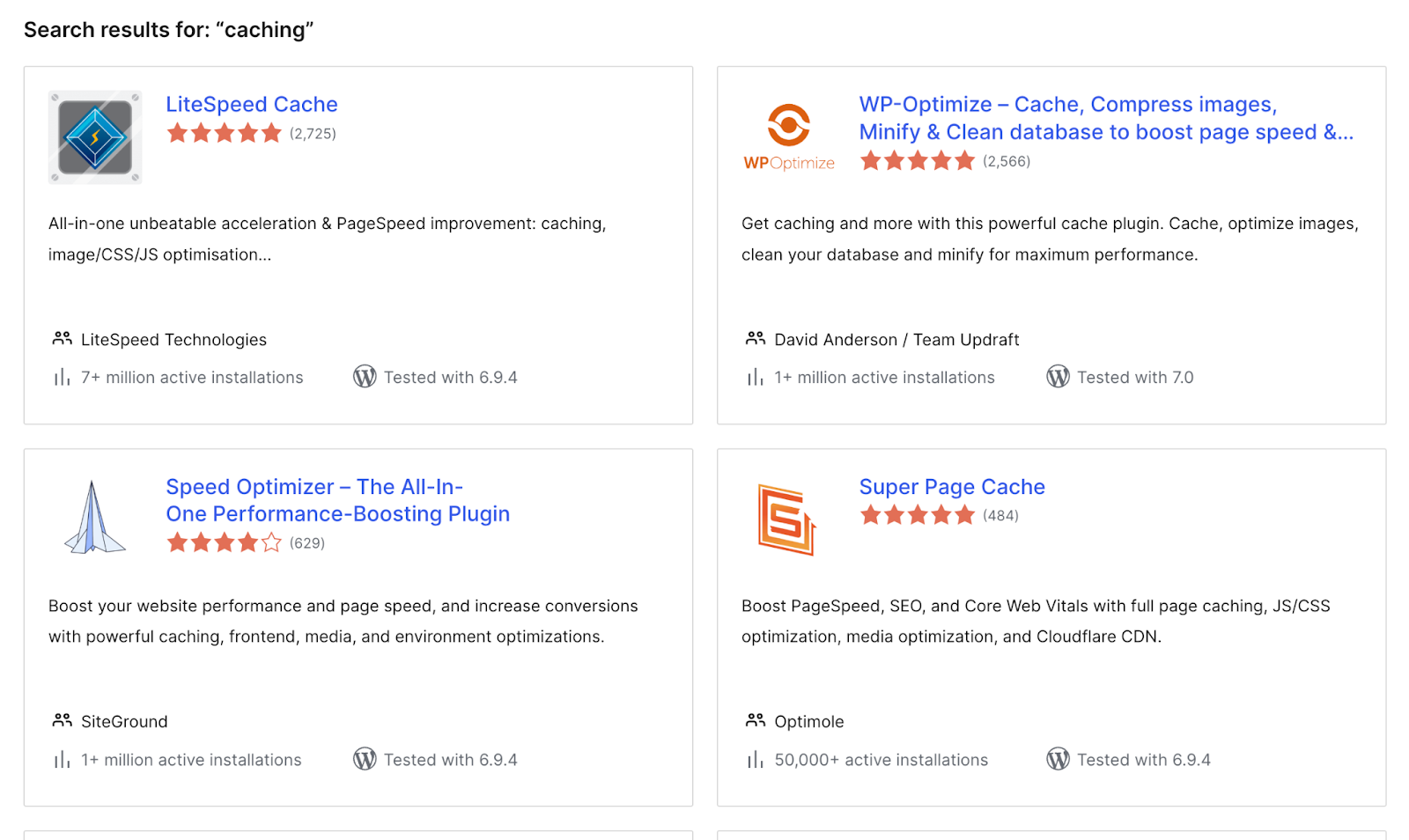
The first step in effective WooCommerce store optimization is selecting the proper caching strategy. Caching stores pre-generated versions of your site content, allowing pages to load much faster instead of being built dynamically every time a customer visits. Without it, your server has to run many queries or PHP scripts per request, potentially slowing performance.
Here are the 3 common ways to integrate caching fr your WooCommerce store, including:
- Server-side caching is enabled by hosting providers/ server-level caching solutions.
- WordPress caching plugins allow you to set up page/browser/object caching.
- WooCommerce-specific caching is configured correctly for WooCommerce stores, supporting dynamic content and checkout pages.
2. Optimize database performance
Your database stores all product, order, and customer data, but it can be bloated over time. So, you need to ensure a clean database to improve backend efficiency and website speed. To optimize this technical perspective, it’s recommended to consider the following points:
- Remove expired transients and revisions
- Clean unused tablets
- Optimize database queries
3. Strengthen visual commerce
“To improve user experience, your eCommerce website must incorporate high-quality visuals and interactive content. This includes high-resolution images, 360-degree views, videos, and interactive demos,” says Steve Roberts, a Group Marketing Manager for EU B2B.
Thereby, your stores need to satisfy these aspects to engage visitors at first sight. For static images, ensuring the right formats, compressing files, and enabling lazy loading is essential.
Recently, offering 3D visualization for the online product experience has become a strategic WooCommerce store optimization. Buyers can interact with custom products dynamically, rotating, zooming, and design their own in real time, offering greater clarity about the final designs.
4. Choose high-performance plugins
Plugins are good for extending functionality, but they can also become a major bottleneck if not managed properly. The more plugins you integrate into your store, the higher the risk of:
- Slower page load times
- Plugin conflicts
- Increased maintenance complexity
That’s why we mention prioritizing quality over quantity here. Instead of stacking multiple tools, it’s recommended to focus on selecting the best WooCommerce plugins that align with your goals, are well-coded, regularly updated, and optimized for long-term efficiency.
5. Use a Content Delivery Network (CDN)
CDN is a non-negotiable component of successful WooCommerce store optimization, especially for stores targeting global audiences. A CDN distributes your website content across multiple servers worldwide, letting visitors load your site from the nearest location. Resultly, you can boost page speed and ensure consistent performance during traffic spikes.
6. Keep updated and secured
Outdated plugins, themes, or core files can slow down your website and expose it to security risks. Regular updates ensure compatibility, improved speed, and protection against vulnerabilities. Moreover, adopting security measures such as firewalls, malware scanning, and secure login protocols helps safeguard customer data. It is apparent that a secure and well-maintained store builds trust with users, which is essential for increasing conversions.
7. Monitor performance continuously
Tracking and evaluating are essential for sustaining WooCommerce store optimization over time. Performance issues can arise from plugin updates, traffic spikes, or server limitations, making it important to regularly track key metrics. Remember to monitor page load speed, Core Web Vitals, database performance, and error logs to quickly identify bottlenecks.
Analytics and performance tools enable you to make data-driven improvements and prevent issues. Ultimately, consistent monitoring ensures your store remains fast and stable.
8. UI / UX to convince your audience and stand out among competitors
High-converting WooCommerce website examples share a common point: they are intuitive, visually appealing, and designed to guide customers seamlessly from browsing to checkout. That’s also why your eCommerce store needs to focus on both usability and engagement.
Here are UI/UX layout tips that are widely used by leading WooCommerce-based brands:
- Keep navigation simple and easy to follow
- Highlight key information above the fold
- Optimize mobile responsiveness
- Streamline the checkout process to reduce friction
For businesses that sell complex, made-to-order products like furniture, personalization is a powerful differentiator that helps persuade visitors to make purchase decisions faster. Implementing a WooCommerce 3D configurator lets users customize their designs and instantly see their selections in 3D. Additionally, built-in advanced features, such as 3D CPQ for real-time quoting and pricing and augmented reality (AR) for likelife product discovery, help generate a more immersive shopping experience and stay competitive in the market.
Top 5 Plugins to Maximize WooCommerce Performance
#1. VividWorks WooCommerce configurator
VividWorks 3D configurator is among the best WooCommerce product configurators, tailored for furniture, modular designs, retail fixtures, construction, kitchens, baths, and more. Customers can get leading experiences in online purchasing, including real-time 3D configuration and visualization, 3D room planning, 3D CPQ, AR, rule-based configuration for complex designs, and seamless integration with WooCommerce, CRM, ERM, and more.
VividWorks has expanded its proven expertise for businesses across eCommerce platforms (Shopify, WooCommerce, and Magento), types, and niches in the US, the UK, Australia, Japan, and the EU. Check out VividWorks customer stories to see how it supports real brands, and book a demo to clarify how its experts develop 3D visual configuration software.
#2. WP Rocket
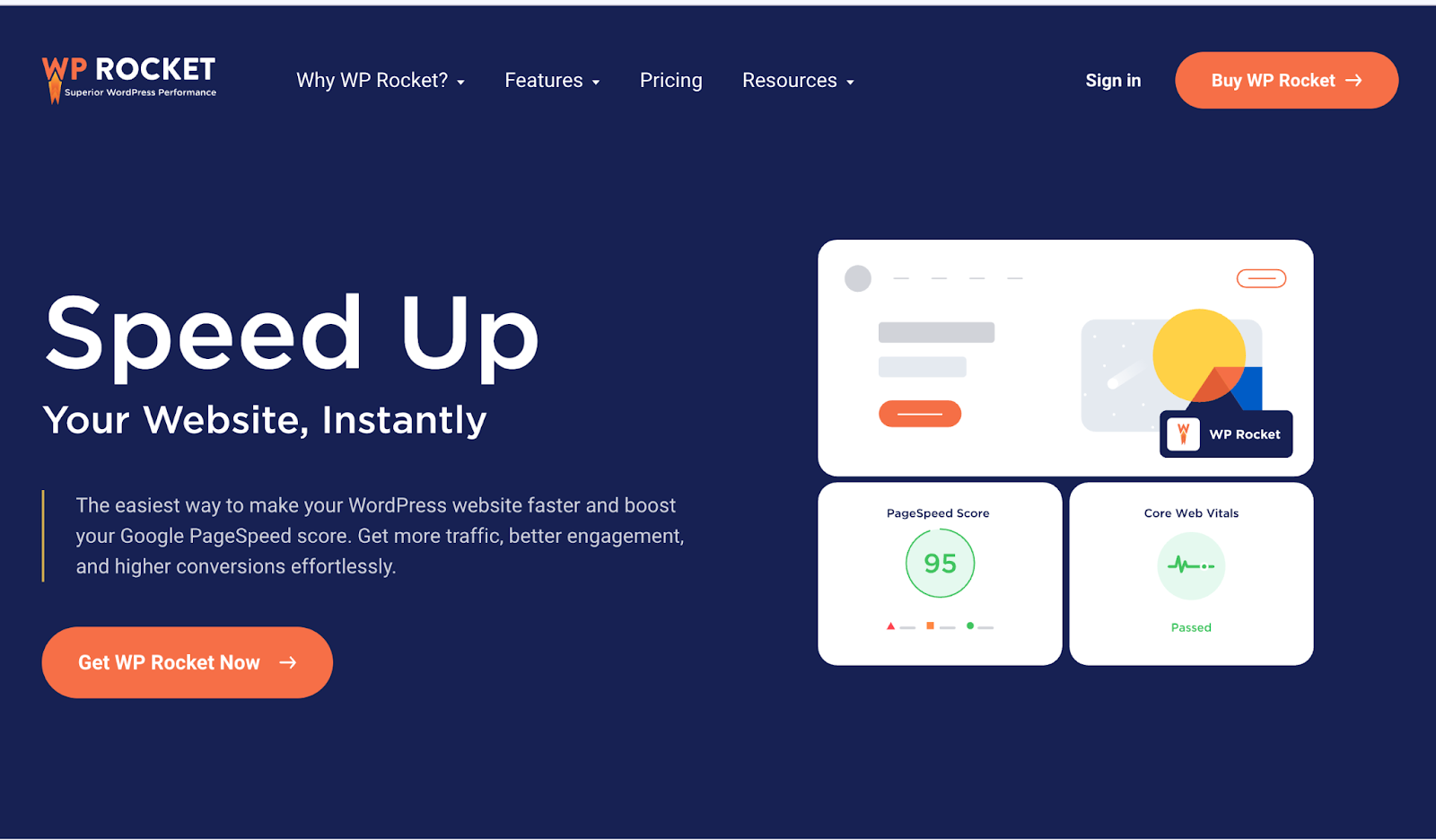
This WooCommerce plugin is a premium caching plugin designed to improve website speed with minimal setup. It offers page caching, cache preloading, file minification, and lazy loading. Fully compatible with WooCommerce, it ensures fast load times without breaking dynamic pages like cart and checkout, making it ideal for performance-focused stores.
#3. WordFence
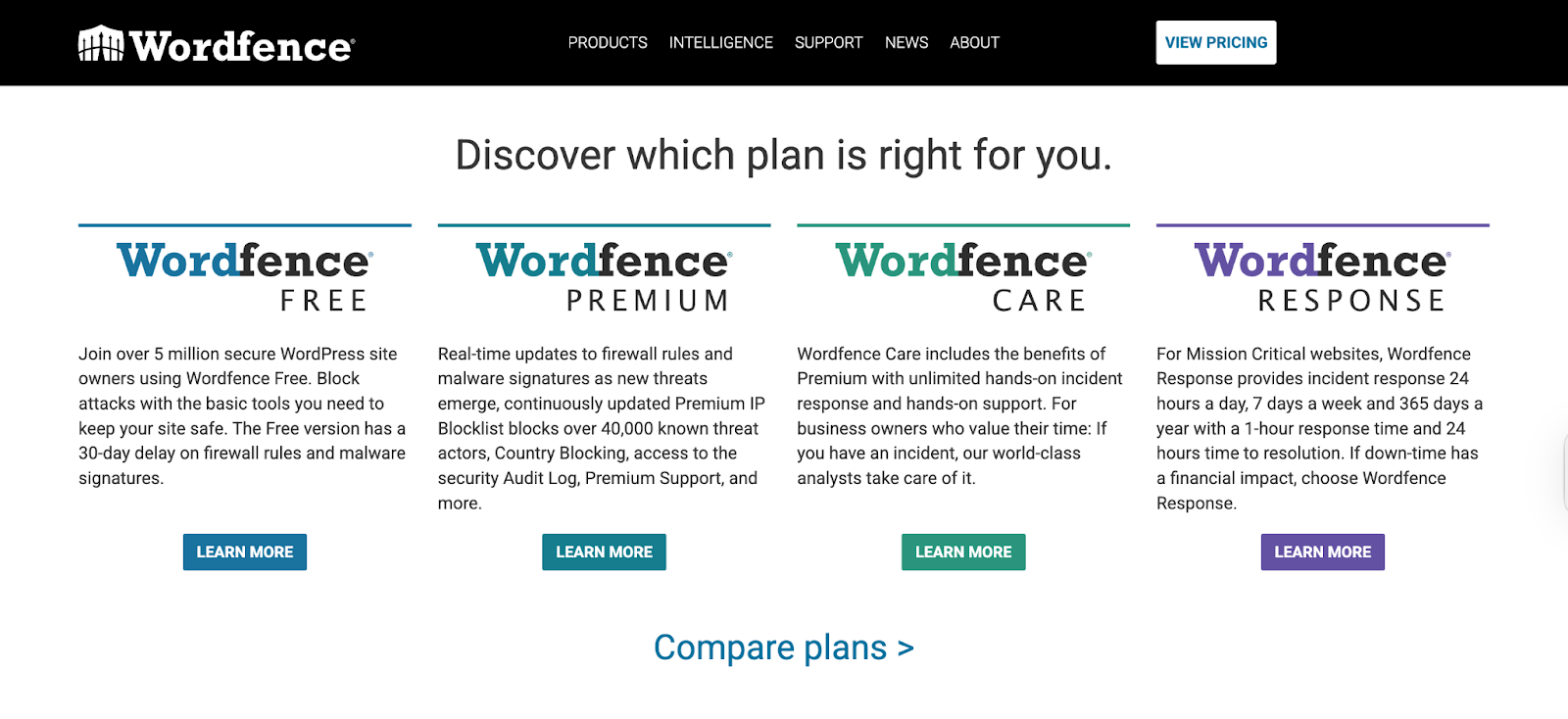
Wordfence is a comprehensive security plugin that protects WooCommerce stores from malware, hacking attempts, and vulnerabilities. It typically includes a powerful firewall, malware scanner, and login security features. By safeguarding customer data and preventing attacks, this robust plugin helps maintain trust and ensure uninterrupted store performance.
#4. Query Monitor
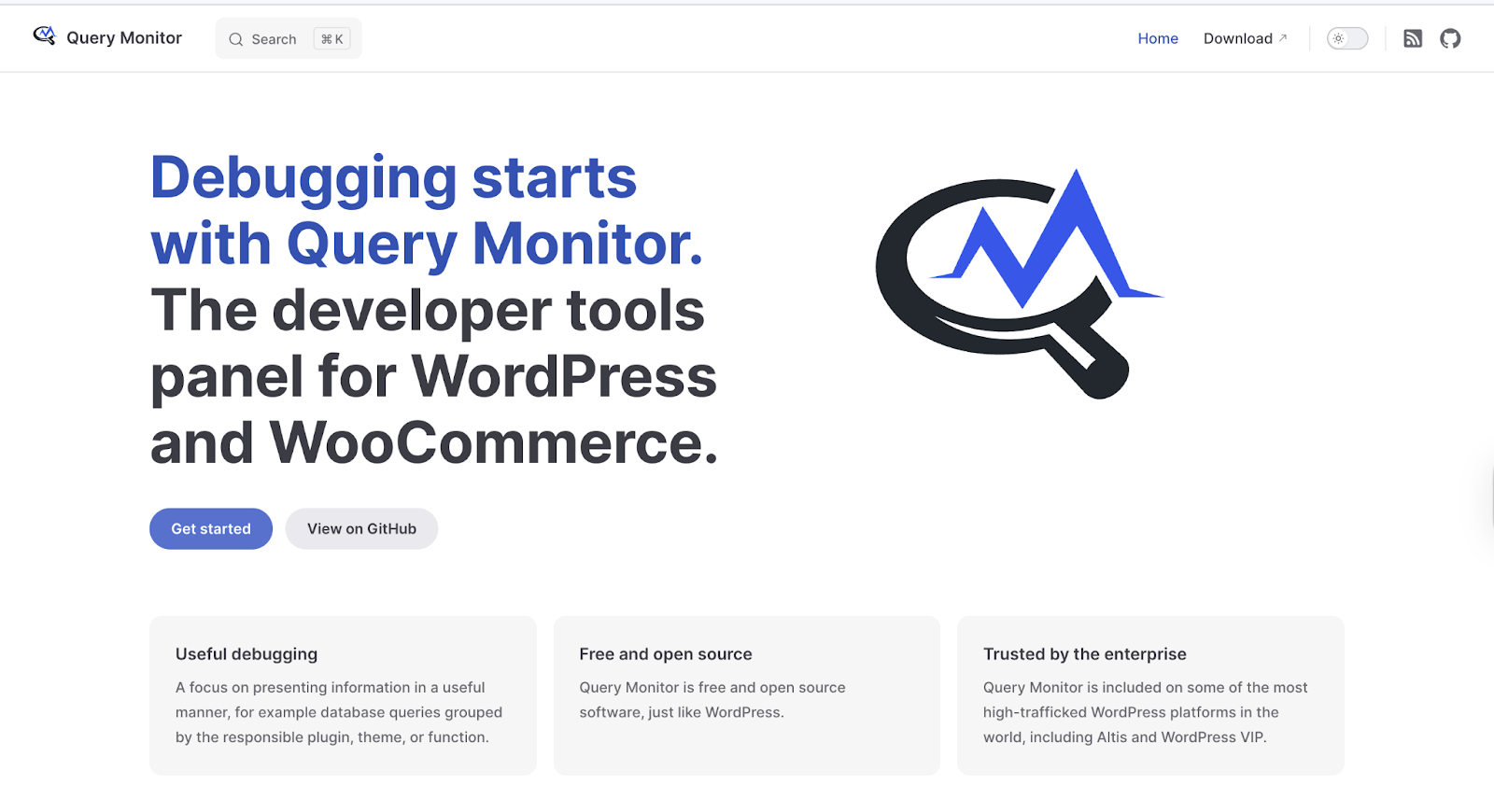
Query Monitor assists your WooCommerce store optimization by analyzing WooCommerce issues. Specifically, it provides detailed insights into database queries, PHP errors, and plugin performance. Identifying slow queries and inefficient processes is essential to optimizing your eCommerce store’s backend and resolving bottlenecks that affect speed and stability.
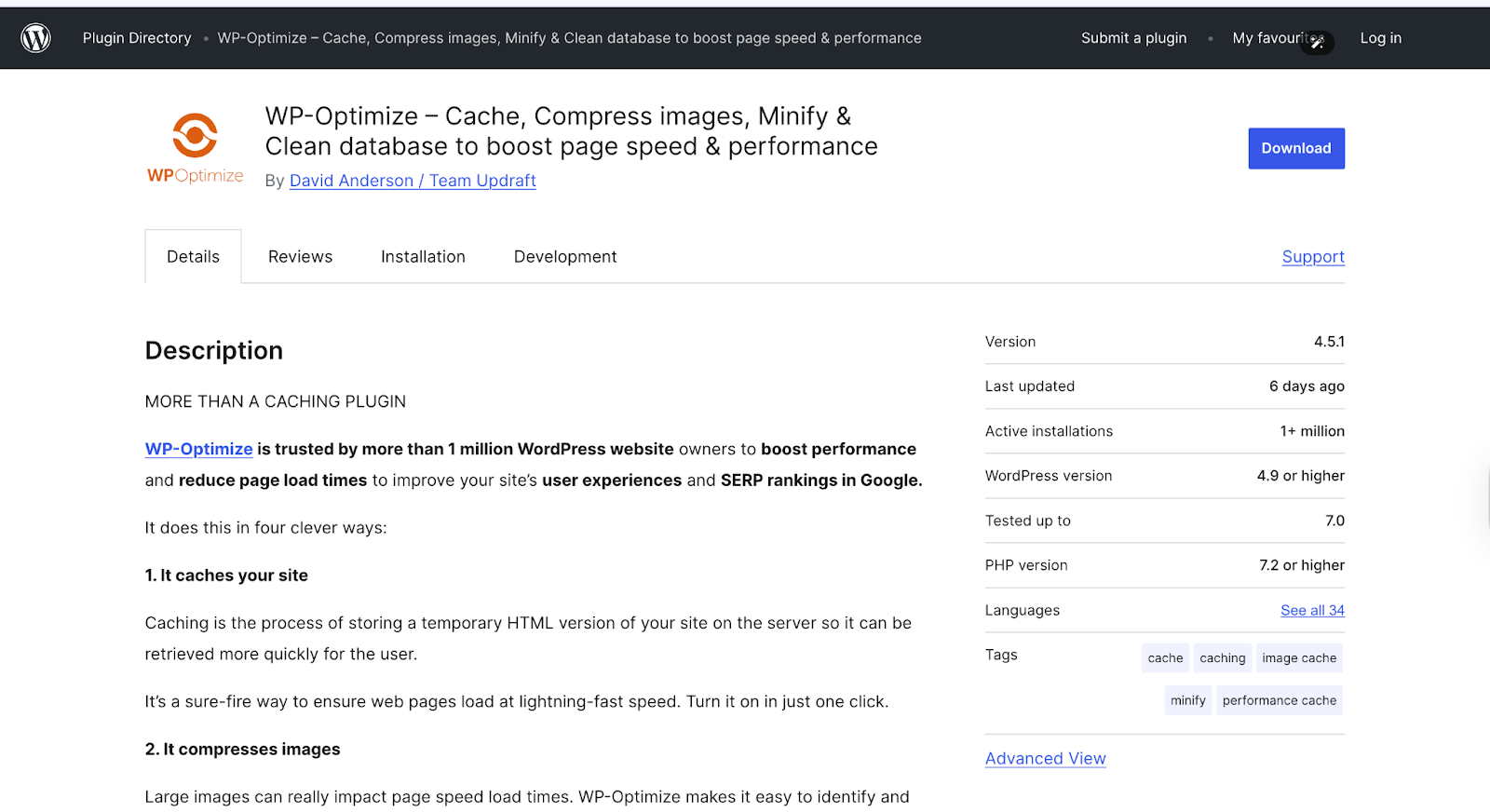
#5. WP-Optimize
The final WooCommerce plugin today can clean and optimize your WordPress database. It removes unnecessary data such as revisions, spam comments, and expired transients. Additionally, you can also use it to compress database tables, improving efficiency and speed, making it an essential tool for maintaining long-term WooCommerce performance.
Hopefully, these eight proven strategies, combined with high-performance plugins, provide a clear roadmap for every business to attain effective WooCommerce store optimization.
Table of Content
-3.avif)
Streamline your process today!


.png)

