
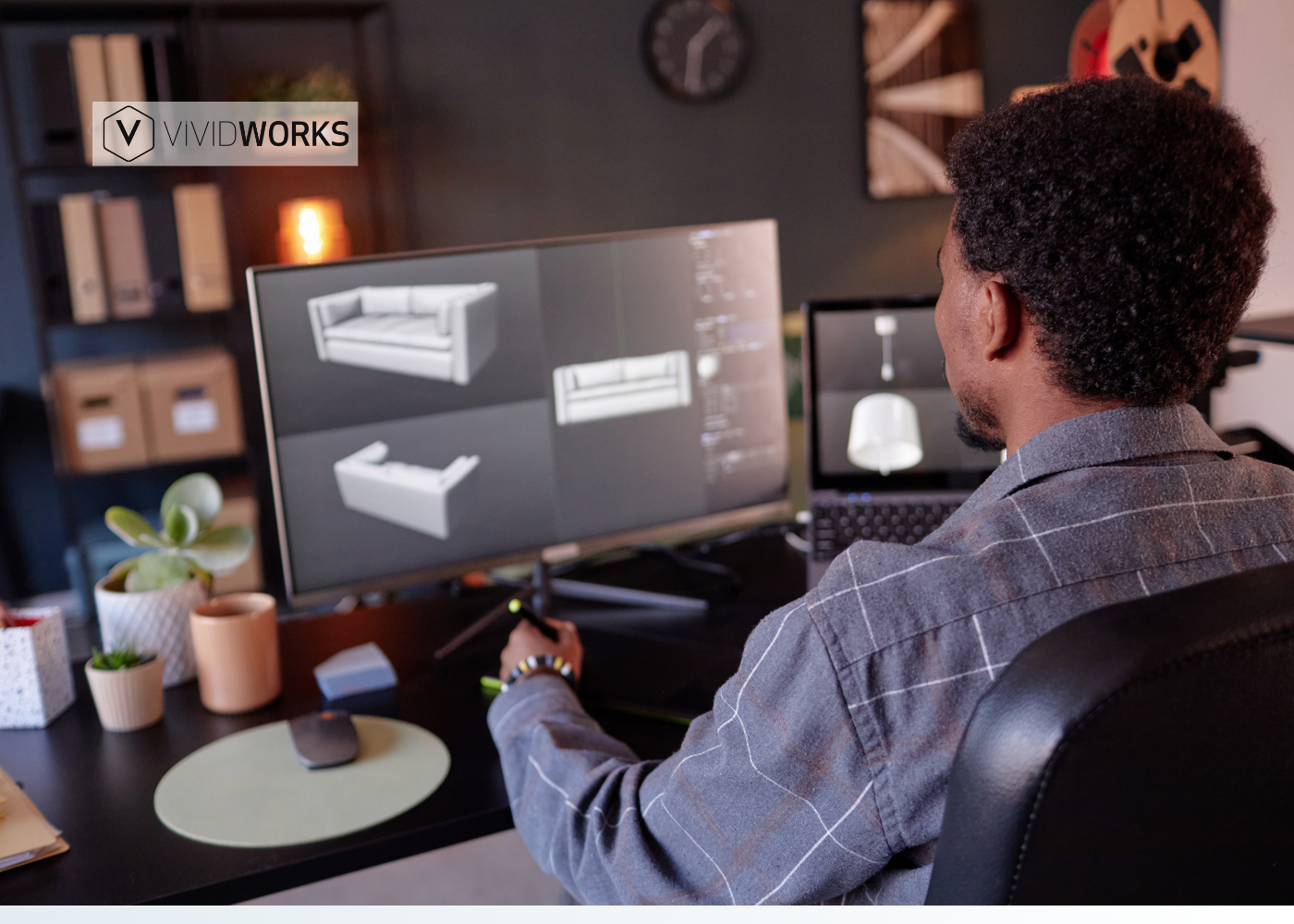

As online furniture shopping continues to grow, buyers expect more than static images. They want to see, customize, and experience products comprehensively before making a purchase. This is also where 3D models of furniture become a strategic advantage.
This guide will clarify what 3D furniture is, why it’s worth the investment, key use cases across sales and marketing, and provide a detailed process for creating these models.
Right now, keep scrolling to discover more!
What is a 3D Model of Furniture?
A 3D model of furniture is a digital, three-dimensional representation of a physical furniture product, such as a chair, sofa, or cabinet, created using specialized 3D software.
Unlike flat images, 3D furniture models can provide more accurate dimensions, modules, and construction details. These models can be rotated, zoomed, customized, and reused across varied platforms, including sites, AR applications, and visualization tools.
Why You Should Invest in 3D Models for Your Furniture?
Not only for offering a higher level of visualizations and interactivity for customers, but 3D models of furniture are also one of the powerful tools to transform your sales efficiency. Let’s take a look at the 3 benefits of using 3d models of furniture for interior design below:
- Higher Conversions with Interactive Visualizations
Furniture often features complex, highly modular designs, which is one of the biggest challenges for buyers shopping online. At the same time, static images (only with 2D previews) are not compelling enough to depict how custom choices work together. Consequently, customers feel hesitant to order, leading to higher abandoned cart rates.
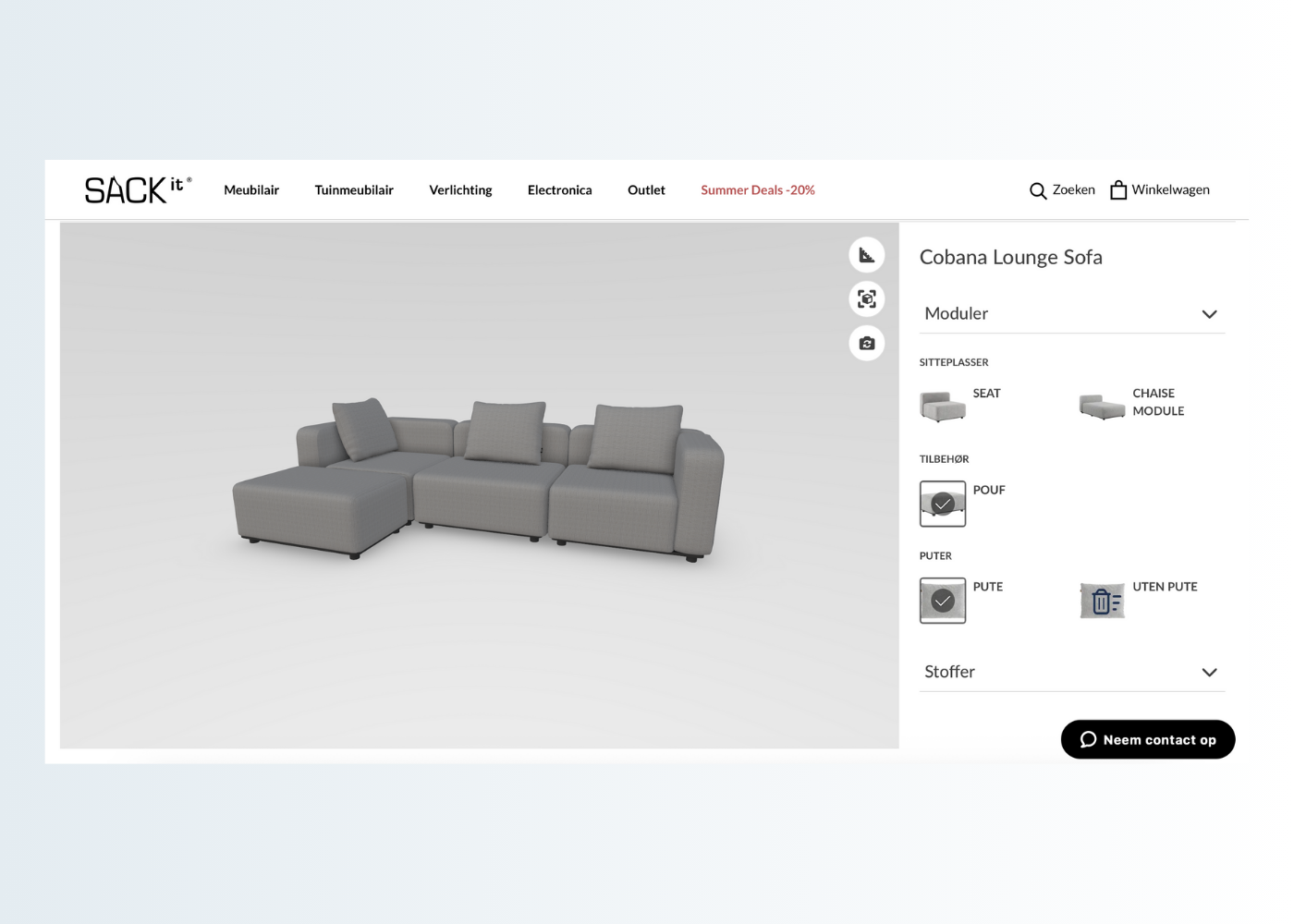
3D furniture models solve this problem by delivering true-to-life visualizations. Some 3D models can also be used in sales applications and tools, such as 3D configurators. Customers can freely configure each piece they want, zoom in on details, and explore multiple variations, creating a deeper understanding of the furniture design. As a result, they will feel more confident in their decisions, resulting in higher conversion rates.
- Reduced Product Returns
With custom and made-to-measure products such as furniture pieces, even minor misunderstandings around size, materials, or specific customization demands can result in costly returns and reworks. Thus, by offering customers interactive 3D visualizations, you significantly narrow the gap between expectations and the final product, building customer confidence, reducing hesitation, and leading to faster, more informed decisions—ultimately lowering returns.
- Strong Competitive Edge in the Dynamic Furniture Market
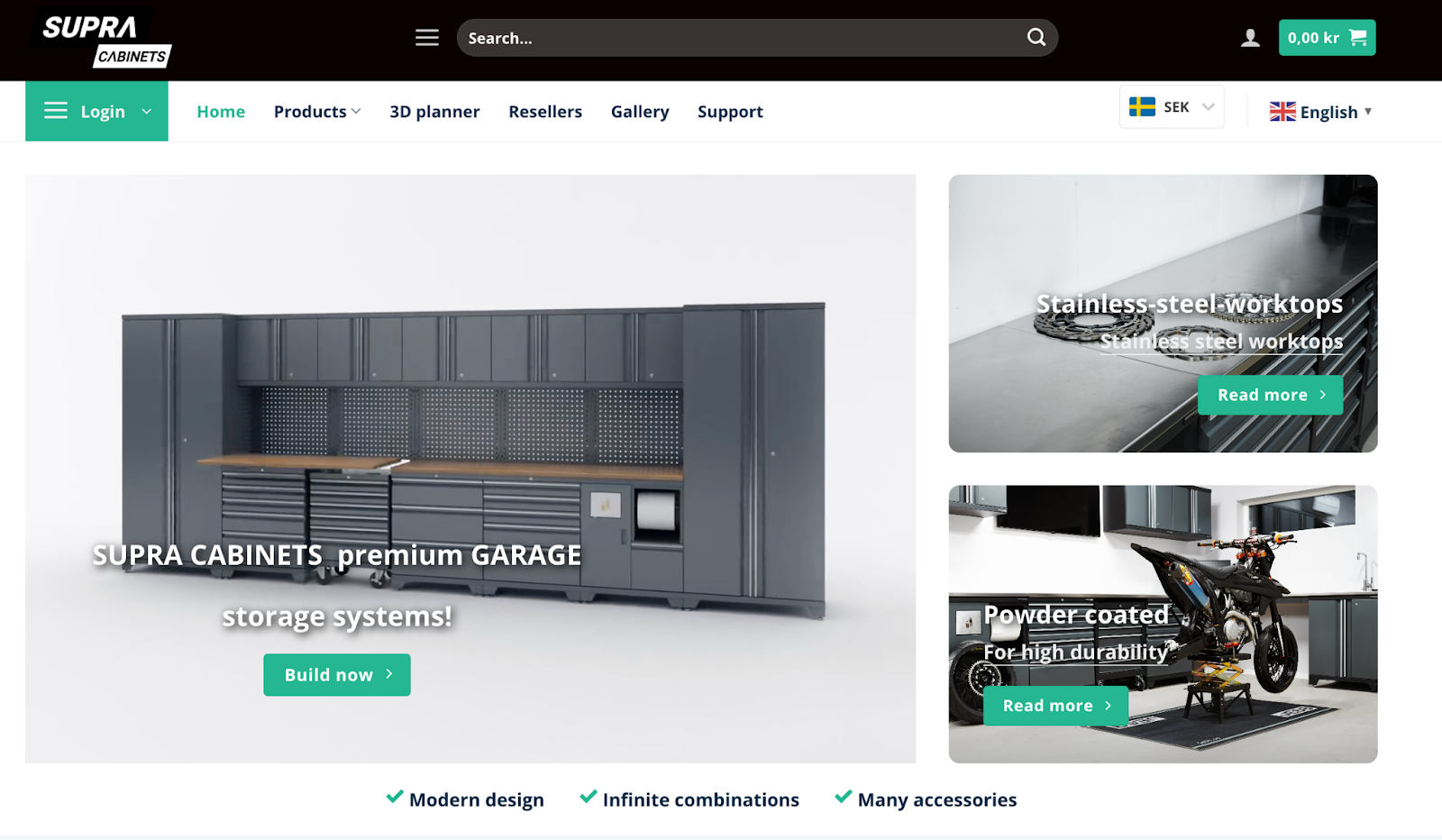
The widespread use of 3D models and tools built with them to showcase furniture comprehensively is essential for building customer trust and keeping your brand standing out. For example, while starting in a small garage in 2015, Supra Cabinets has become a renowned brand for bespoke storage solutions in Sweden. The company overcame the challenge of complex sales processes for its custom series by adopting a 3D Garage Storage Configurator on the product page. “The customers do all this work by themselves directly on our page and can see their configuration develop right on their screen in real-time”, - Zebastian, founder of Garageinredning.se and Supra cabinets.
For emerging furniture brands, adopting 3D furniture models is a practical way to stay competitive in an increasingly digital market. These technologies help level the playing field by enabling richer product presentation and capturing shopper attention effectively.
With three benefits discussed above, it becomes clear “Why you should invest in 3D models for your furniture?” It is a strategic approach to lead the market and convert sales.
Use Cases of 3D Furniture Models
1. 3D product configuration and visualization
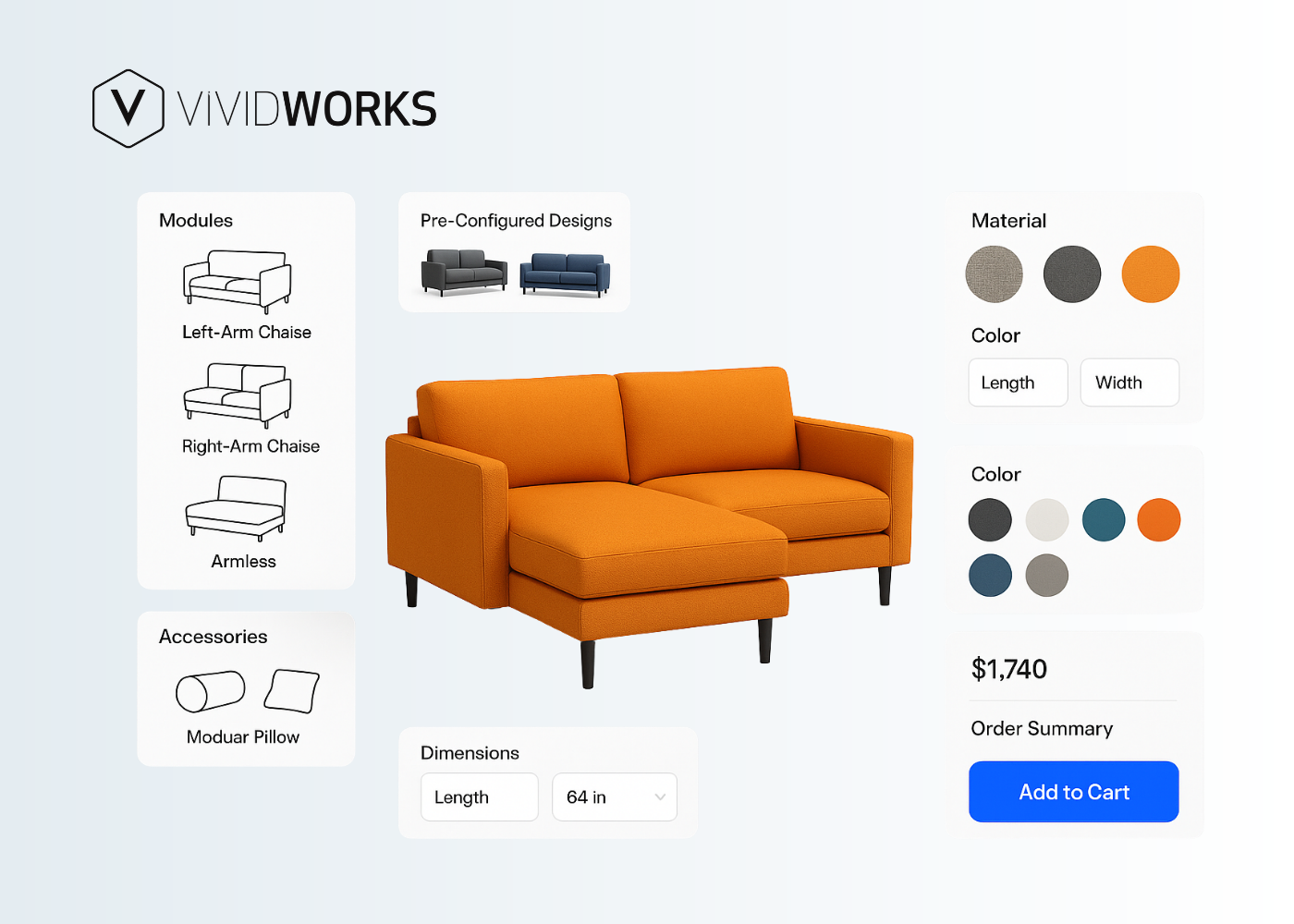
3D configuration software is one of the most popular applications that utilizes 3D furniture models to enhance the sales of bespoke, made-to-order products. Customers are free to configure their desired furniture and preview it from all angles effortlessly.
Advanced 3D configurators, powered by leading providers such as VividWorks, also include built-in product logics to ensure every selection is valid and manufacturable. This eliminates incompatible combinations and reduces errors across the sales process.
Visual Configure, Price, Quote (Visual CPQ) is another highly valued capability for furniture brands. It allows users to customize their products and view prices and quotes in real-time. This level of transparency and speed accelerates decision-making, improves sales efficiency, and creates a seamless buying experience for complex furniture pieces.
2. Augmented reality (AR) experiences for real-world placement
The second adoption of 3D models is enabling augmented reality for furniture previews. Only with a smartphone or tablet can shoppers place true-to-scale furniture directly into their living spaces, such as the kitchen, living room, bathroom, and more. As a result, they can easily assess the size, style, and fit of the furniture before they make a purchase.
Don’t forget to explore augmented reality eCommerce examples to see how leading brands use AR to boost their brand identity, revenues, and buyer loyalty across niches.
3. Furniture marketing assets: animations, videos, and hero visuals
3D models can be repurposed into marketing assets. Animations, product videos, and high-impact hero visuals are key elements that can ensure visual consistency across channels while capturing customer engagement. Additionally, as you reuse 3D assets, you will have more time to create innovative content for furniture marketing campaigns.
4. Interactive ads for modular, complex furniture designs (e.g., dining table, sofa)
Rather than showing a single static customization, these ads allow users to interact with the item, exploring different layouts and components directly within the ad experience. This level of engagement helps customers better understand the final design you’ll offer.
Furthermore, brands can turn ads into interactive touchpoints that educate, engage, and guide buyers toward informed decisions. As a result, they not only increase click-through rates but also improve furniture lead quality for high-consideration furniture purchases.
5 Steps To Generate A High-Quality 3D Model
Step 1. Identify the use case of your 3D furniture model
Before creating any assets, you need to clearly define how your 3D models of furniture will be used. Let’s review common cases, including eCommerce visualization, 3D configuration, augmented reality placement, in-store sales tools, and marketing content.
Each use case impacts the level of detail, file size, interactivity, and optimization required. For example, models used in AR or product configurators must be lightweight and responsive across devices, while marketing visuals may require higher visual fidelity.
Step 2. Prepare accurate product data
High-quality input data is the foundation of realistic and reliable 3D furniture models. Inaccurate or incomplete information will lead to inconsistencies, repeated revisions, and delays. Here is what furniture brands should prepare to ensure the best performance:
- CAD files and technical drawings
- High-resolution photos from multiple angles
- Product details (dimensions, materials, variants)
- Physical samples for texture scanning
Step 3: Review a standard 3D modeling process
To successfully enable high-quality 3D furniture models, it is essential to understand the core stages involved in the 3D modeling workflow. Let’s take a look with our experts here:
- Geometry creation
The process begins with building the 3D structure of the furniture based on CAD files and technical drawings. This step defines the object’s shape, proportions, and dimensions while balancing visual fidelity with polygon efficiency for optimal performance.
- Texture mapping
Materials, colors, and surface details are applied using texture maps. This stage replicates real-world finishes, such as wood grain, fabric weave, or metal surfaces, ensuring the final 3D models of furniture look realistic across different lighting conditions.
- Lighting and rendering
Proper lighting is applied to simulate real-world environments and highlight furniture details. High-quality rendering helps ensure the final model appears natural, consistent, and visually appealing in both 3D product viewers and augmented reality experiences.
Step 4. Decide Your Path: In-House Vs. Out-Source
Depending on your demands and resources, let’s choose one of the 2 following options:
- In-house teams offer faster iteration and tighter control but require ongoing investment in talent and tools.
- Outsourcing offers scalability and access to experienced professionals, making it an ideal solution for brands new to 3D models or managing extensive catalogs.
Step 5. Optimize models for performance and platforms
This step is non-negotiable to maintain long-term efficiency. However, if you choose to go with the 3D provider, they will support you. Otherwise, you need to balance polygon count, target 2-5MB file sizes for AR/web, use compression, and test across devices.
Apparently, getting started with 3D models is not easy for everyone, nor is it for every brand. Therefore, it’s recommended to consider everything carefully to minimize errors. Book a demo with VividWorks to detail how each 3D solution works for your business!
Table of Content
-3.avif)
Streamline your process today!


.png)
